Guides
Retool Table Nested Rows: Expand & Collapse Grouped Data
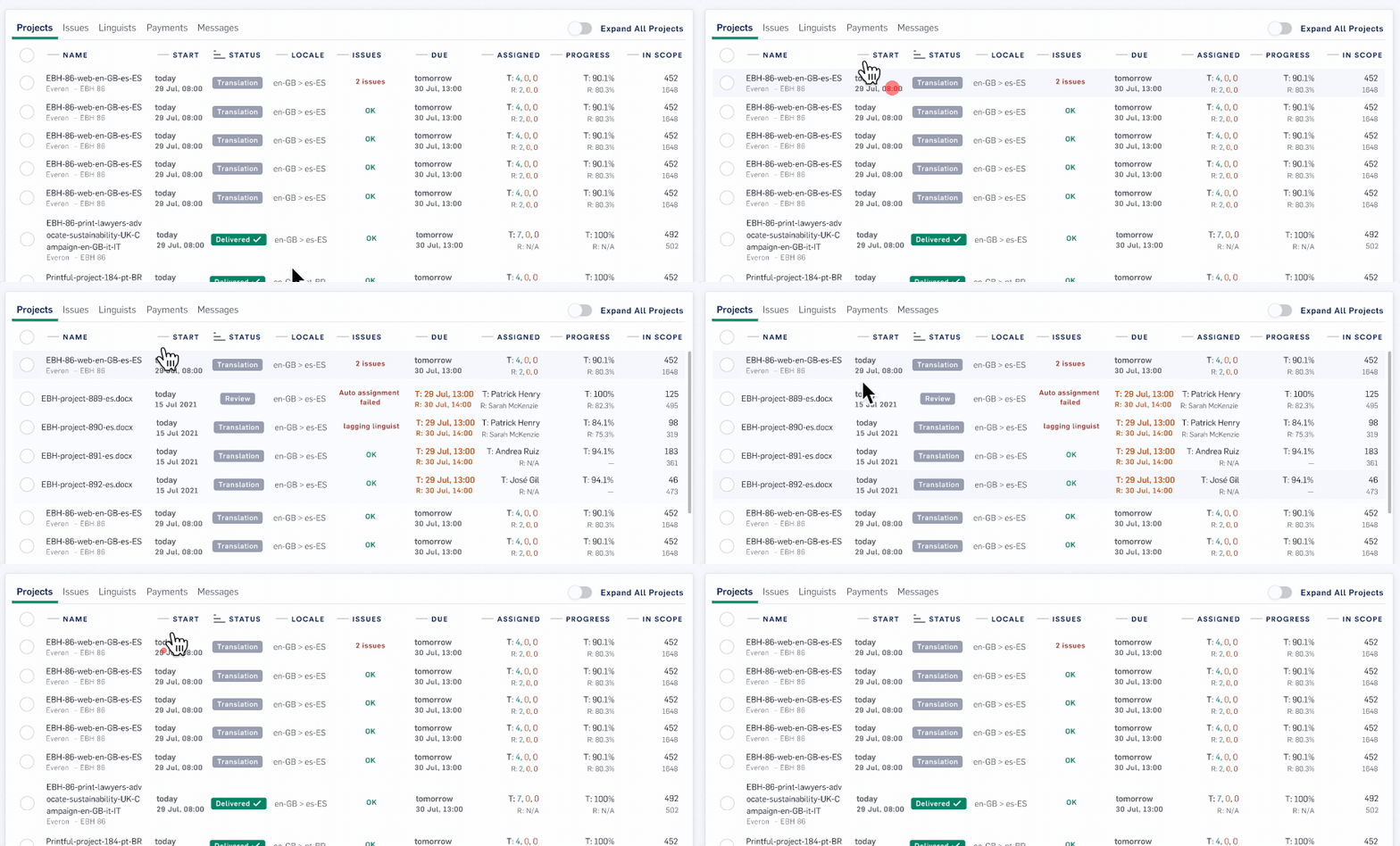
If you've ever tried to display parent-child or multi-level hierarchical data in a Table component, you already know the frustration. Retool's table nested rows with expand and collapse behavior was one of the most requested features in the Retool community — and for good reason. Whether you're building an order management tool, an org chart viewer, or a geographic breakdown dashboard, showing grouped, drillable rows in a table is a fundamental UX pattern. This guide explains how Retool's row grouping feature works, how to configure it, and how to work around its current limitations.
Why Developers Want Nested, Expandable Rows in Retool Tables
Flat tables work fine when your data is flat. But most real-world internal tools deal with relational data — orders that have line items, regions that have sub-regions, users that belong to teams. Without nested row support, your options were ugly: either join everything into a single flat row (losing hierarchy), render multiple separate tables (breaking the UX), or build a fully custom component (expensive and slow to maintain). The demand for multi-level table support in Retool was loud and sustained — dozens of upvotes across community threads — because the use case is genuinely universal.
How Retool's Row Grouping Feature Works
Retool introduced a native row grouping feature for the Table component that lets you define one or more columns by which rows should be grouped. Retool then automatically builds a tree from your data based on shared values in those columns, and end-users can expand or collapse each group to drill down into the data beneath it.
Think of it like a pivot or a folder structure inside a table. If you have a countries dataset with columns for continent, region, and subregion, you can group by all three in sequence. The table will first show continents as top-level collapsed rows. Clicking one expands it to show regions. Clicking a region expands it to show subregions — and so on down to individual rows. No custom JavaScript, no extra components.
How to Set Up Nested Row Grouping in a Retool Table
- Step 1 — Connect your data source. Bind your
Tablecomponent to a query that returns flat tabular data with columns representing each level of your hierarchy (e.g.,continent,region,subregion,country). - Step 2 — Open Table settings. In the right-hand panel, navigate to the Columns or Data section and look for the Row grouping or Group by option. This is available in the newer
Tablecomponent (not the legacy grid). - Step 3 — Select your grouping columns. Add columns in the order you want the hierarchy to cascade. Order matters — the first column you add becomes the top-level group, the second becomes the child level, and so on.
- Step 4 — Configure column visibility per level. You can choose which columns are visible at each grouping level. For example, you might only show
continentat the top level, and revealpopulationandcapitalonly at the leaf (individual country) level. - Step 5 — Test expand/collapse behavior. Preview the app. Users should see a toggle arrow or chevron next to each grouped row. Clicking it expands or collapses that group's children in-place.
- Step 6 — Handle row selection events. Use
{{table1.selectedRow}}to capture which row a user has selected. At the leaf level, this works just like a normal table row selection — you can wire it to a detail panel, a modal, or a follow-up query.
What Data Shape Does Retool Expect for Grouped Tables?
The key thing to understand is that Retool's row grouping works on flat data — it does the tree-building for you. You do not need to return nested JSON objects from your API or database. Your query just needs to return a standard array of row objects where each row has values for all the grouping columns. For example:
[{ "continent": "Europe", "region": "Western Europe", "subregion": "Benelux", "country": "Belgium" }, ...]
Retool reads the shared values across rows and groups them automatically. If you do have nested JSON coming back from an API (e.g., a parent object with a children array), you'll need to flatten it first using a Transformer before binding it to the table.
Current Limitations to Know Before You Build
- Row grouping is only available in the newer Table component. If you're on a legacy app using the old data grid, you'll need to migrate the component.
- Aggregations per group (e.g., summing a numeric column at the region level) have limited native support — you may need to compute these in your query or transformer and include them as dedicated columns.
- Deeply nested structures beyond 3–4 levels can get visually cluttered. Consider whether a tree view or a master-detail layout might serve your users better for very deep hierarchies.
- Row grouping does not yet support inline editing at non-leaf levels. Edits can only be made on the final expanded rows.
Alternatives If Row Grouping Doesn't Fit Your Use Case
If you need true parent-child expansion based on a selected row triggering a child query — rather than pre-grouped static columns — a common pattern is to use a master-detail layout: one Table for the parent records, and a second Table below or beside it that re-queries filtered child data whenever {{parentTable.selectedRow}} changes. This approach gives you more control over the child data fetch and works well when child rows live in a separate database table joined by a foreign key.
Another option is a custom component built with a library like AG Grid or react-table, embedded via Retool's custom component framework. This is more build effort but gives you full control over expand/collapse behavior, cell rendering, and aggregation logic.
Bottom Line
Retool's native row grouping covers the majority of multi-level table use cases without any custom code. Configure your grouping columns in the right order, make sure your query returns flat data, and let Retool handle the tree rendering. For edge cases — deep nesting, live child queries, or complex aggregations — the master-detail pattern or a custom component will get you the rest of the way there.
Ready to build?
We scope, design, and ship your Retool app — fast.