Guides
Retool Multi-Page App Navigation Performance: Fix Lag & Flickering
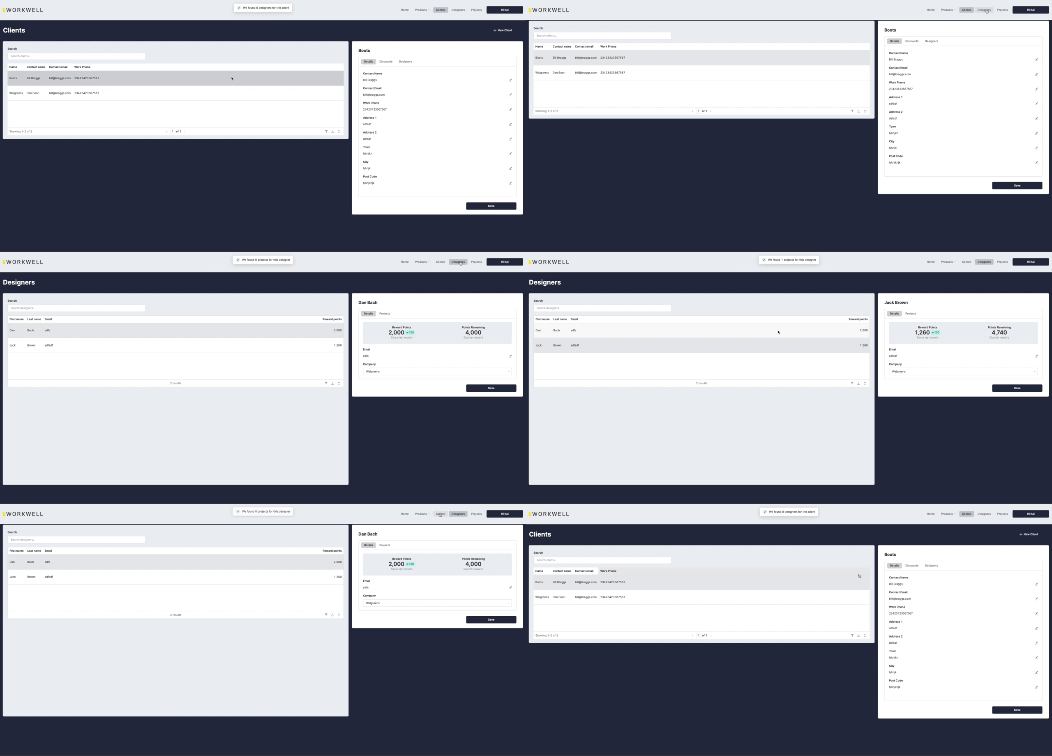
If you're building a customer portal or internal tool in Retool using multiple linked apps as "pages," you've likely run into the same wall: clicking a nav item triggers a long delay, a white flash, or a jarring page bounce before the next app loads. This is one of the most common pain points with Retool multi-page app navigation performance, and it affects both the editor and the deployed portal experience. This guide breaks down why it happens and what you can do about it today.
Why Retool Multi-Page Navigation Feels Slow
Retool's multi-app architecture means that each "page" in your portal is actually a separate Retool app. When a user clicks a navigation link — typically housed in a shared navigation module in the header or sidebar — Retool has to fully load the destination app from scratch. This is a full page reload, not a client-side route change like you'd get in a single-page React app. The result is a visible delay and, in many cases, a flickering effect as the old app tears down and the new one initializes.
The delay has two sources: the app being navigated away from (which may still be running queries or teardown logic) and the app being navigated to (which needs to fetch its own resources and run its own initialization queries). Even if you've set queries on the destination app to fire manually or with a delay, the loading overhead of the app shell itself remains.
What Causes the Page Flicker Specifically
The flicker is a separate (but related) issue. When a shared navigation module is used across apps, each app reload re-renders the module from zero — causing the header or sidebar to flash or reposition briefly. Retool's engineering team confirmed there were actually multiple distinct causes of this flickering. A first fix shipped in v3.38.0, and a second fix for a different flickering scenario went out in v3.40.0. If you're on an older version, upgrading is your fastest win.
How to Reduce Navigation Lag Between Retool Apps
While Retool works on a native multipage app feature (more on that below), here are practical steps you can take right now to reduce the clunkiness:
- Audit destination app queries: Go to every query in the app you're navigating to and set them to manual trigger only. Disable any query that runs automatically on page load unless it's truly critical for the initial render. This reduces the initialization burst when the new app loads.
- Lazy-load heavy components: If the destination app has large
Tablecomponents,Chartcomponents, or embedded iframes, consider hiding them behind a toggle or tab so they don't render on initial load. - Minimize the navigation module: Keep your shared
navigation moduleas lightweight as possible — no queries, no conditional logic, no dynamic data fetching inside the module itself. The leaner it is, the faster it re-renders on each app load. - Pre-warm with URL state: Use URL parameters to pass context between apps instead of relying on inter-app state or
localStorage. This avoids any async state hydration on load and lets the destination app start rendering with full context immediately. - Upgrade to v3.40.0 or later: If you're still seeing the header/sidebar flicker, make sure you're on the latest Retool version. Both known flicker bugs have been patched as of
v3.40.0.
Is There a Native Retool Multipage App Feature?
Yes — and it's been in the works. Retool's team acknowledged the performance limitations of stitching apps together as pages and confirmed they are building a dedicated multi-page apps feature designed to improve navigation performance natively. A private beta was opened to select users, and if you're hitting these issues hard, it's worth reaching out to your Retool account contact or posting in the Retool community to request access. The native feature is expected to eliminate the full-page-reload problem by handling page transitions internally rather than reloading the entire app shell.
When the Delay Comes from the App You're Leaving
One underdiagnosed cause of slow transitions is the outgoing app. If your current app has queries still running, event handlers firing, or pending state updates when the nav link is clicked, those can block or slow the transition. To diagnose this:
- Open your browser's Network tab and click a nav link. Watch for any in-flight requests from the current app that complete after the click.
- Check for
setTimeoutorsetIntervalcalls in your current app's JavaScript queries — these can hold the page open longer than expected. - Look at any
onSuccessoronFailurehandlers chained off long-running queries. If a query fires on a loop or retries on failure, it may be keeping the app alive.
The Bottom Line
Retool multi-page app navigation performance issues come down to one core architectural reality: each app is a separate load. Until the native multipage feature is widely available, your best strategy is to keep each app as lean as possible, defer non-critical queries, and upgrade to at least v3.40.0 to eliminate the known flicker bugs. If you're building a customer-facing portal where UX polish matters, these optimizations will make a meaningful difference while you wait for Retool's native solution to ship.
Ready to build?
We scope, design, and ship your Retool app — fast.