Guides
Retool for External Apps: Build Customer Portals Fast
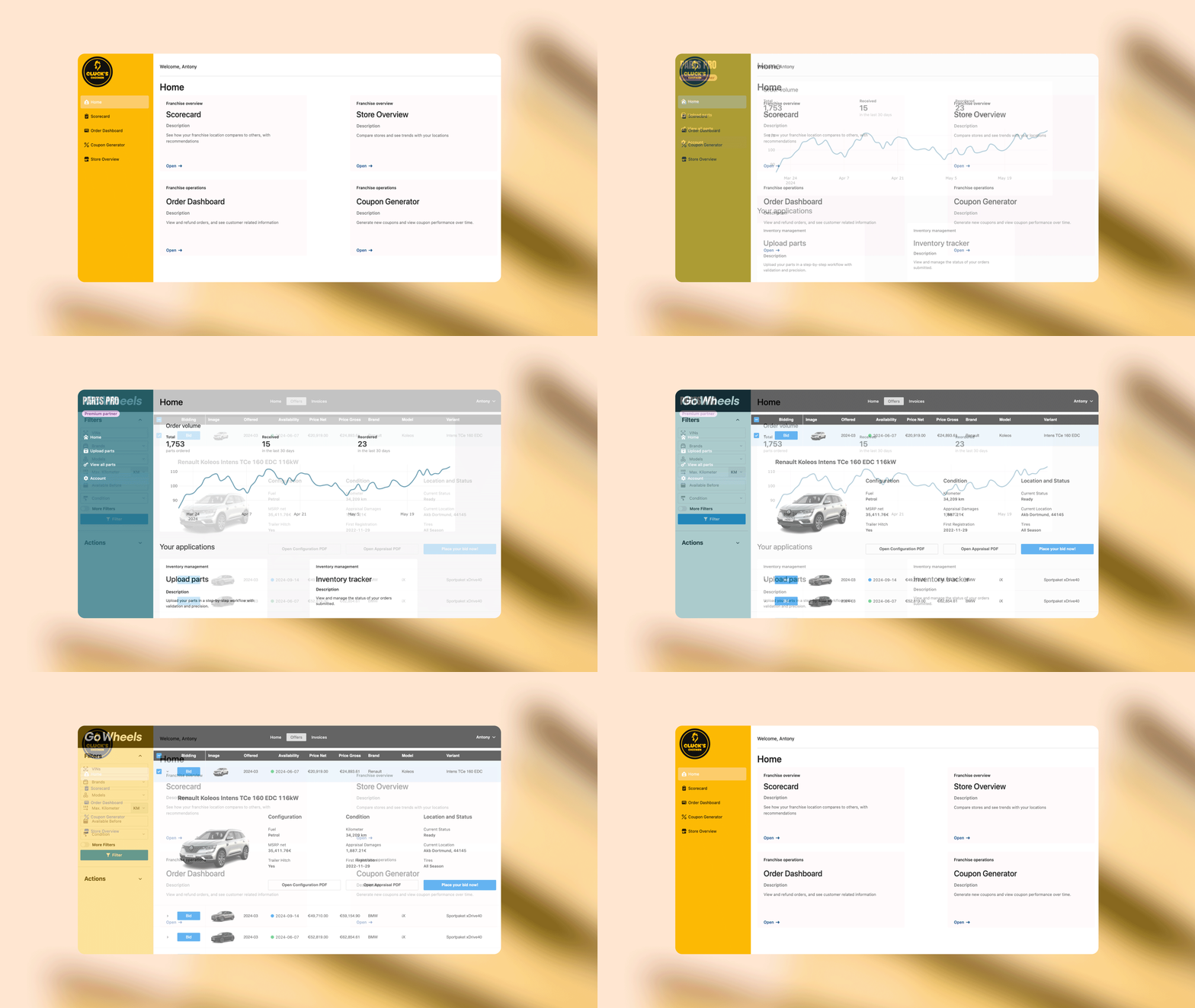
Retool for External Apps is now generally available, and it's one of the biggest shifts in what Retool can do. Instead of limiting your internal tools to employees, you can now build secure, white-labeled portals for customers, vendors, and partners — all inside the Retool platform you already use. This guide covers what's new, how to get started, and how to work through the auth and branding questions that trip people up most.
What Is Retool for External Apps?
Until now, Retool was primarily an internal tool builder. Retool for External Apps extends that capability outward. You can build full-stack portals for users who are not part of your organization — think customer dashboards, vendor management portals, or partner self-service tools. These apps can be white-labeled under your brand and published to external users with their own authentication flows.
Availability is limited to Cloud customers on Business or Enterprise plans and self-hosted Enterprise customers. If you're on a lower tier, you'll need to upgrade before accessing these features.
Key Features Launched with General Availability
- White-labeling: Remove Retool branding and replace it with your own logo, colors, and domain.
- Custom user pages: Build fully custom sign-in, sign-up, forgot password, and user invite screens using standard Retool components.
- Embeddable apps: Use the new
JavaScript SDKorReact libraryto embed any Retool app inside an existing web app, SaaS dashboard, or third-party tool. - External user management: Manage external users separately from your internal Retool users, with dedicated pricing per external user seat.
How to Publish Your First External App
If you've built the app and configured branding but aren't sure how to actually make it live, here's the straightforward path:
- Open the app you want to publish in the Retool editor.
- Click
Sharein the top-right corner of the editor. - At the top of the share panel, switch the visibility to
Publicand enable the public link. - In your Retool settings, navigate to the
External Appssection (found just belowBrandingandThemein the left sidebar) and complete the configuration there. - Assign the app to the appropriate external user group so the right people have access.
Setting Up Authentication for External Users
Authentication for external users is where most teams get stuck. Here's how the main scenarios work:
Email and password login: External users authenticate via the User Login Resource. If you haven't created it yet, Retool will prompt you to set it up in the External Apps settings. New users go through a sign-up flow and set their password on first login. If you need to migrate existing customers, you have two options: send them through the sign-up flow to create a new credential, or use the Retool API to bulk-import users.
Google SSO for external users: Add your OAuth Client ID and Client Secret from Google Cloud Console to the External Apps > Authentication settings. A common issue: after enabling Google SSO, the redirect page still shows Retool branding instead of your own. This happens when the white-label domain or custom branding settings haven't been fully saved and propagated. Double-check that your custom domain is active and that all branding fields — logo, colors, app name — are filled in and saved before testing the SSO redirect.
First-time password setup: When you create a new external user manually, Retool sends them an invite email with a link to set their password. Make sure your custom User Invite page is configured under External Apps > Custom Pages if you want that experience to be fully branded.
Embedding External Apps with the JavaScript SDK
If you want to embed a Retool external app inside your existing product, the new retool-embed JavaScript SDK makes this straightforward. Install it via npm, initialize it with your app URL and an auth token, and mount it to any DOM element. The React wrapper exposes a clean component interface if you're working in a React codebase. Communication between the parent app and the embedded Retool app uses a postMessage-based API, so you can pass data in both directions without iframes being a black box.
Pricing: What External Users Actually Cost
External user pricing is separate from your internal Retool seats. The current structure starts at $8/user/month for up to 250 external users (billed annually). That works out to roughly $4,800/year for 50 users — so model your expected user count carefully before committing. Volume tiers exist for larger user bases. Toggle between monthly and annual billing on the Retool pricing page to see the full breakdown.
What's Still Missing (and Worth Watching)
The community has already flagged one obvious next step: in-app billing management for external users. Right now, Retool handles user authentication and access, but there's no native way to gate features or manage subscriptions for your external users from within Retool itself. You'd need to wire that up yourself via a custom API or a billing tool like Stripe. It's a reasonable gap given this is a GA launch, and likely on the roadmap.
If you're building a portal for customers or partners and have been waiting for a reason to move it into Retool, Retool for External Apps is that reason. The white-labeling, custom auth pages, and embed SDK together give you enough surface area to ship something production-ready without stitching together a separate stack.
Ready to build?
We scope, design, and ship your Retool app — fast.